
How it works
Six steps from a shoebox of cards to a collection you can see.
 1
Make a family account
One account for the household: an email address and a password, and you are in. No card details, no forms and nothing to confirm before the first scan.
 2
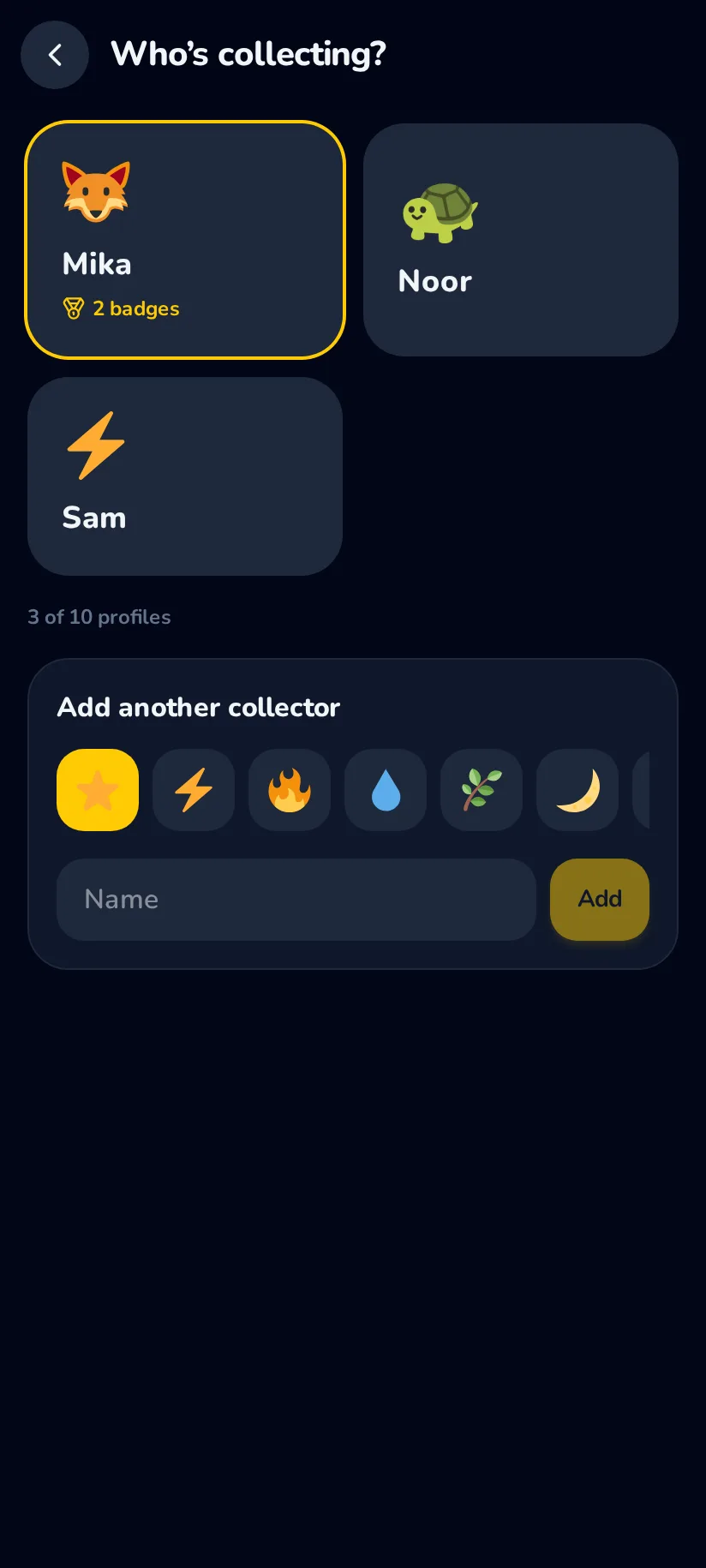
Add a collector
Each child gets a profile with a first name and an emoji they choose themselves — no email address, no birthday, nothing else. Their cards, their wish list and their badges are theirs.
 3
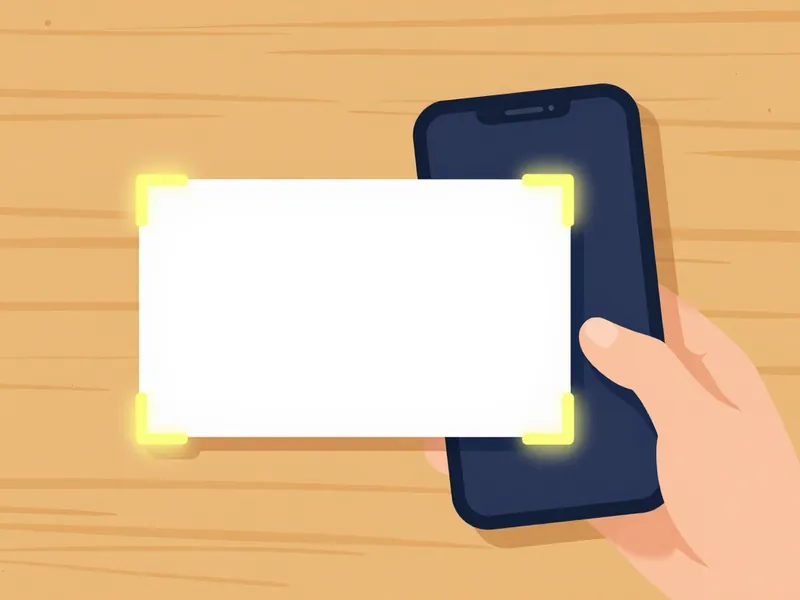
Point the camera at a card
Lay the card flat, hold the phone above it and wait for the outline to lock on; the app takes the picture itself. A whole binder page of nine goes in a single shot.
 4
Watch it land in the collection
The card is named, priced and filed into the set it belongs to before you have picked up the next one. If the app chose the wrong print, one tap corrects it — and it remembers.
 5
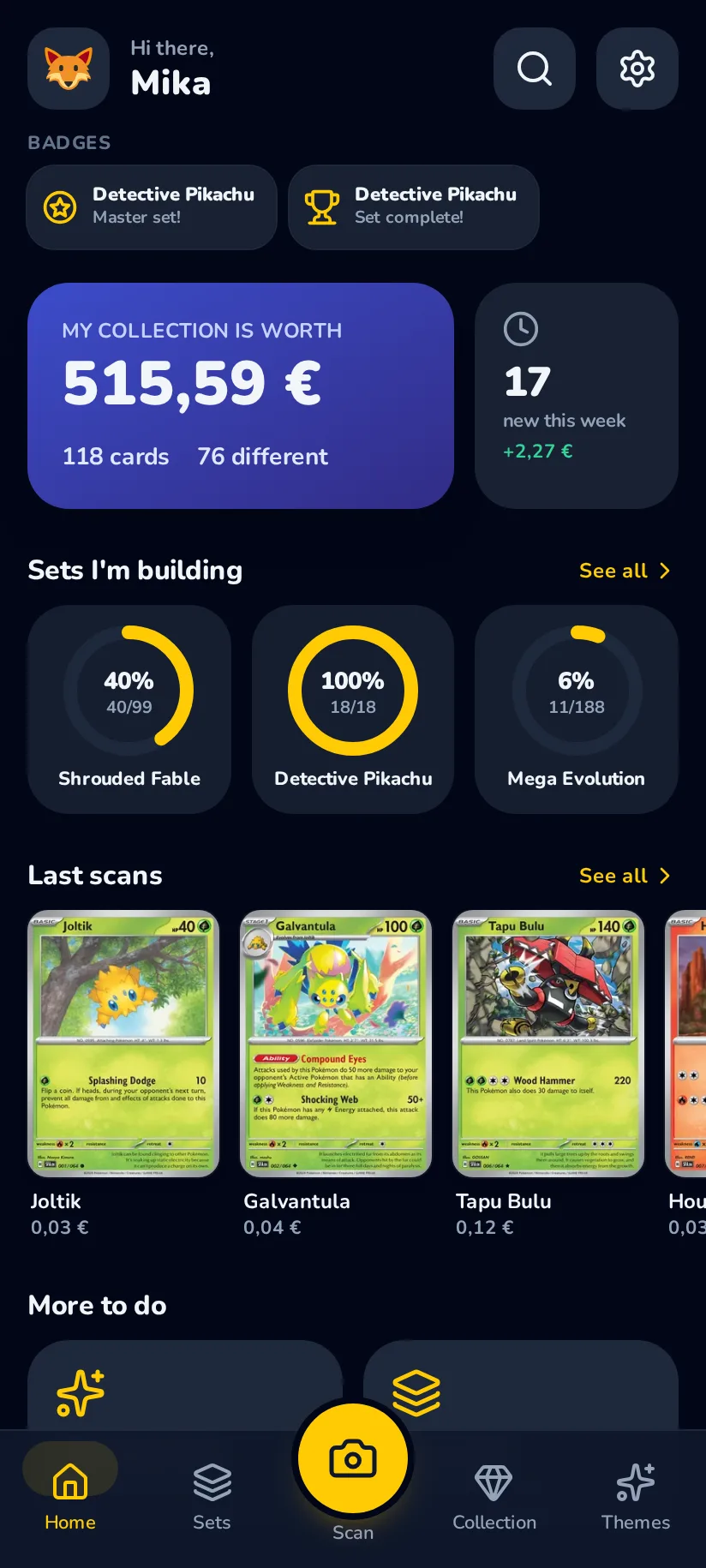
Finish a set
The set page counts down as the pile shrinks: owned, missing, and about what the rest would cost. The last card earns a badge, and every variant of the set earns a second one.
 6
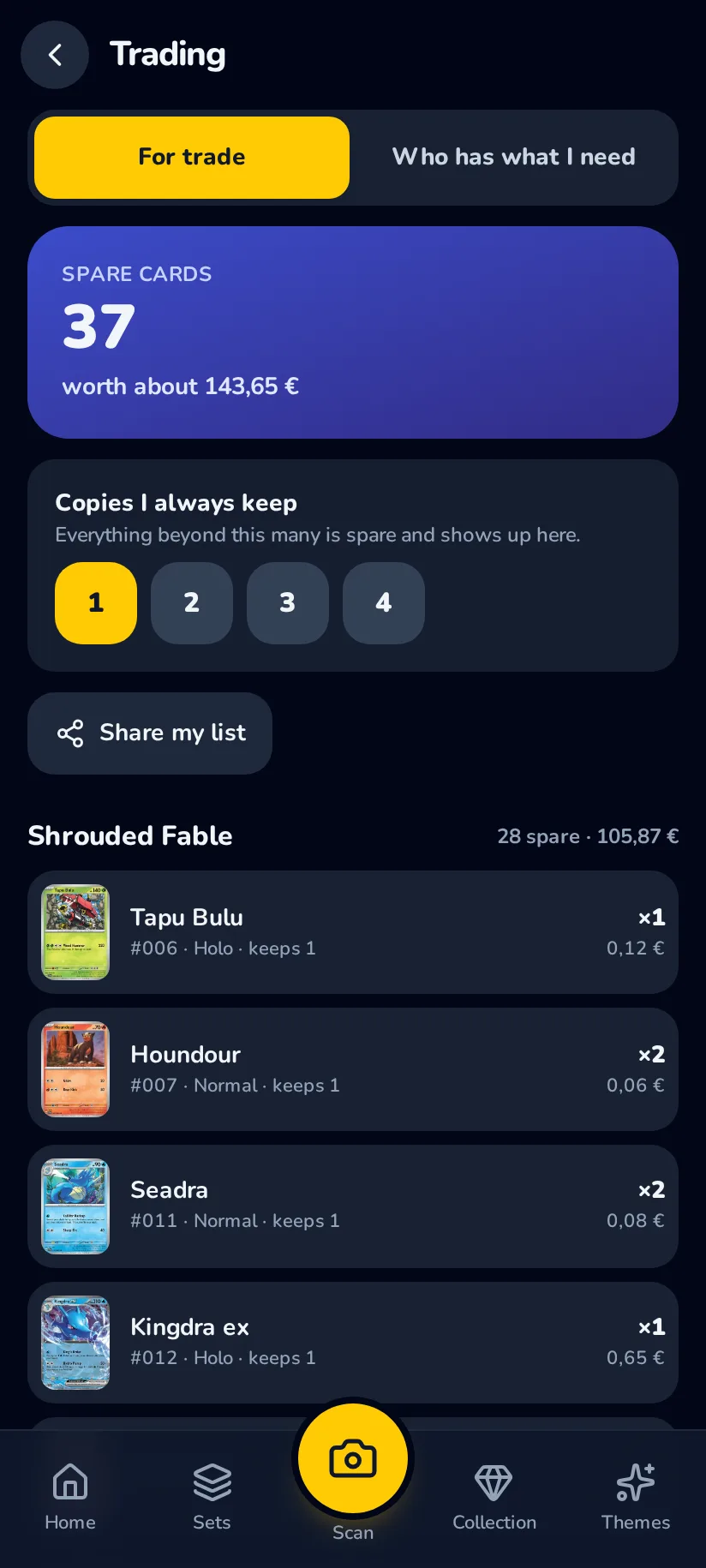
Trade a double
Doubles go on the trade pile, the cards you are hunting on the wish list. Share one link with another collector and they see both halves, without installing anything.
That is the whole app
Six steps, and the rest is collecting. It is free to start, it runs in the browser, and everything you scan stays yours to export.