
Features
Every part of collecting, in one app a child can use and a parent can trust.
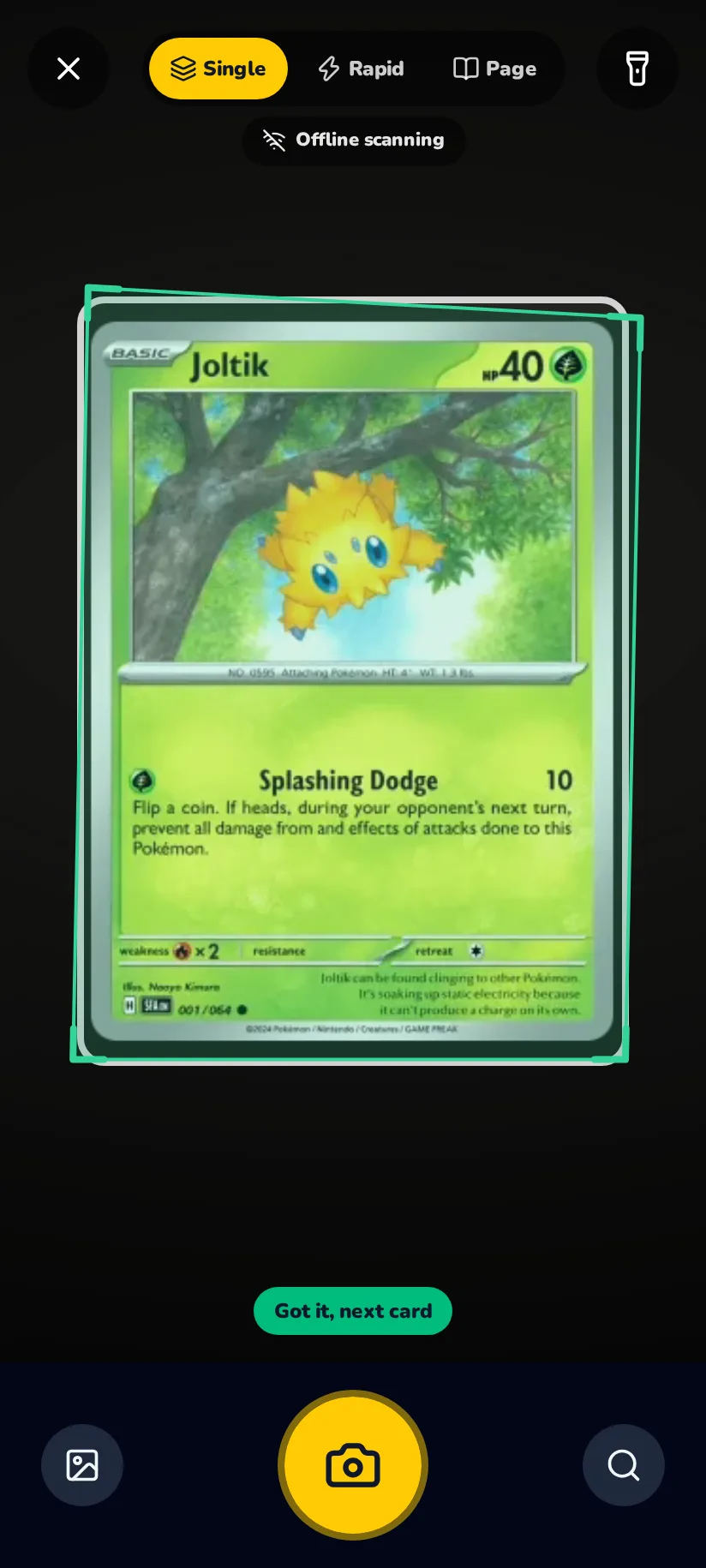
Scan a card, a pile, or a whole binder page
Hold a card in front of the camera and it is recognised in about a second — the print, the set and the number, not only the name. Rapid mode keeps the camera open so a stack goes through one card after another, and a page scan reads all nine pockets of a binder page in one shot. When the picture alone leaves the app unsure it checks the set symbol and reads the number in the corner, and only then asks an AI to help; the scanner shows no counter and no button for it.
Free and unlimited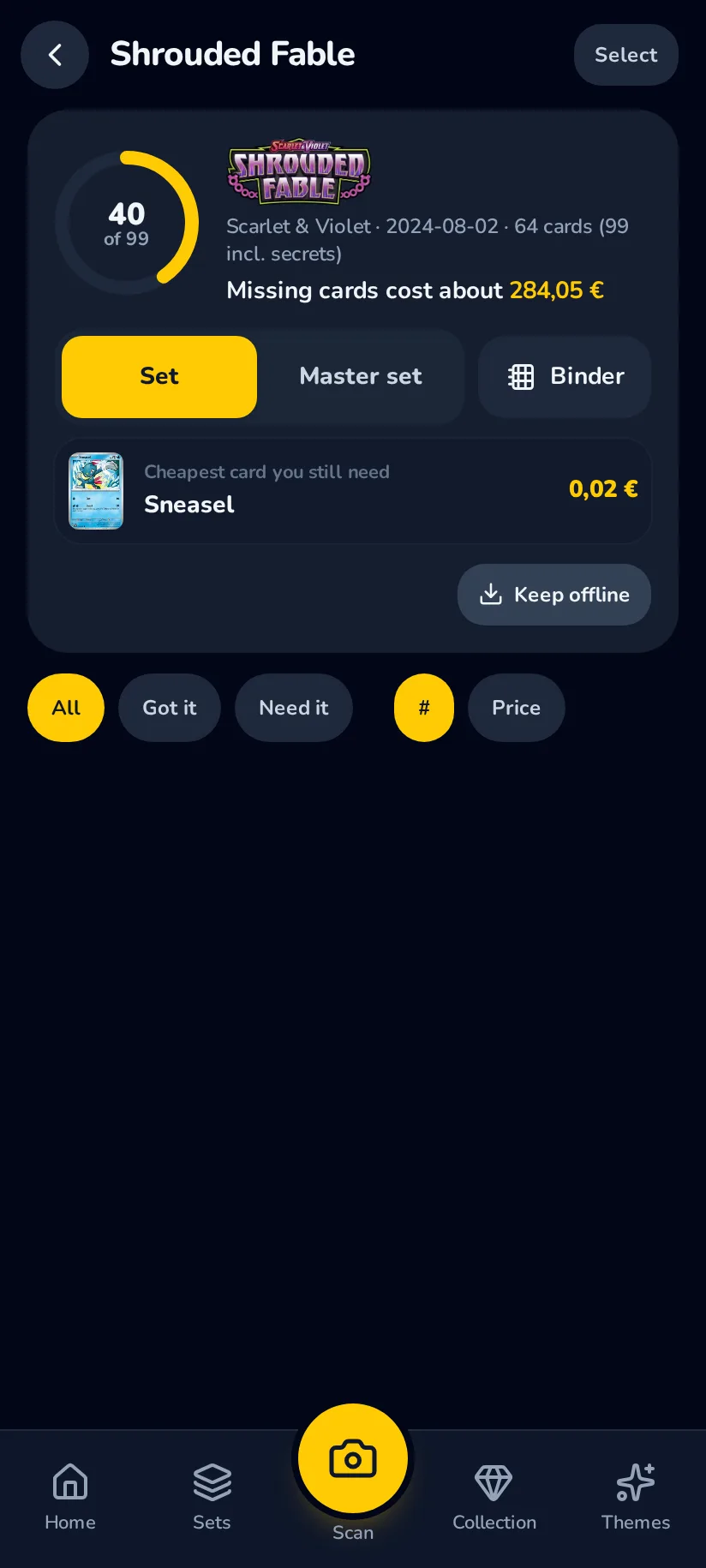
Every set, what is missing, what it costs
A card that lands in the collection fills its place in the set it belongs to. Each set shows what is owned, what is still missing and roughly what the rest would cost to finish. The last card of a set earns a badge, and collecting every variant earns a second one for the master set.
Free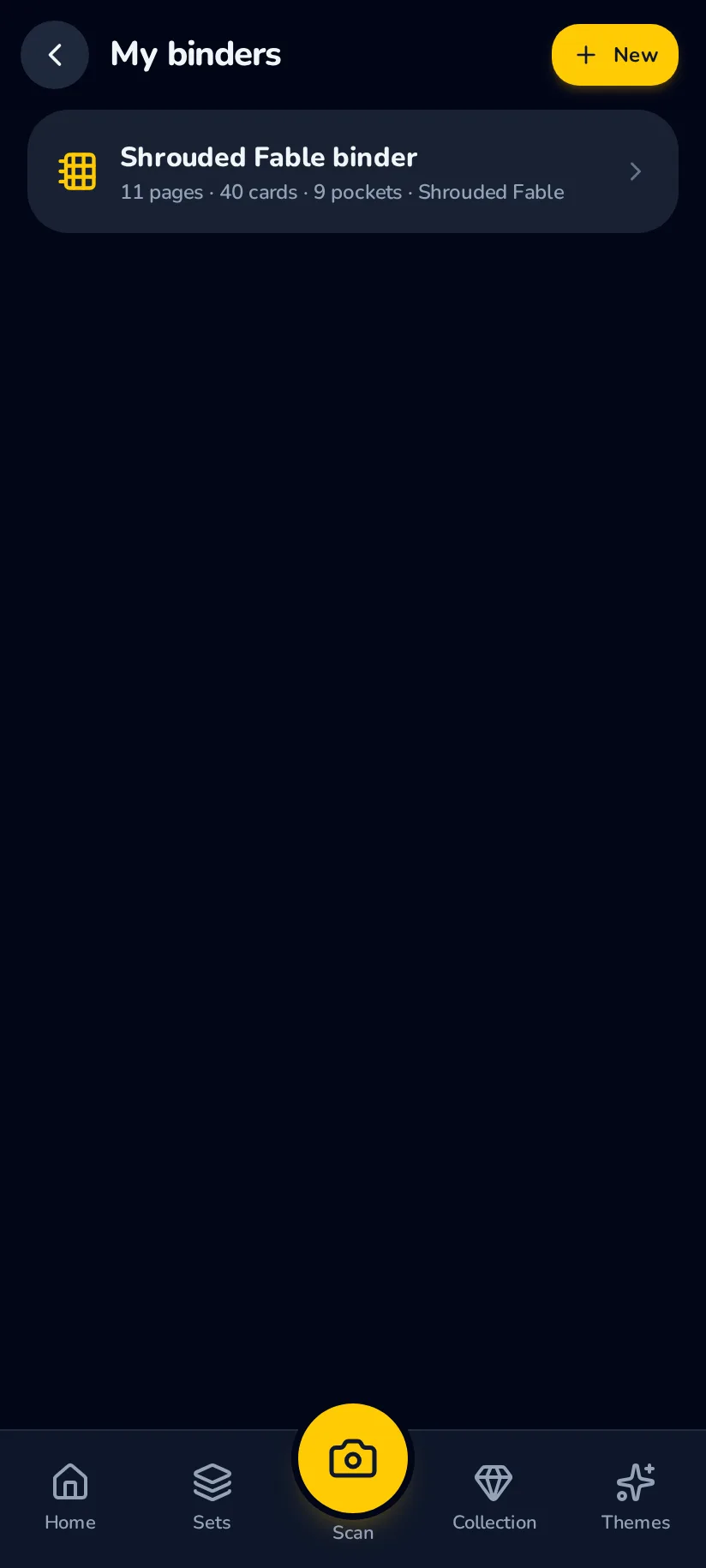
The binder on the shelf, on the phone
Make a binder, give it nine-pocket pages and put your cards in the pockets from the tray beside it — or open any set as a binder, with the cards you are missing faded in their places. Pages turn like paper, and a link lets a friend flip through your binder in their browser.
FreeFlip through a real binder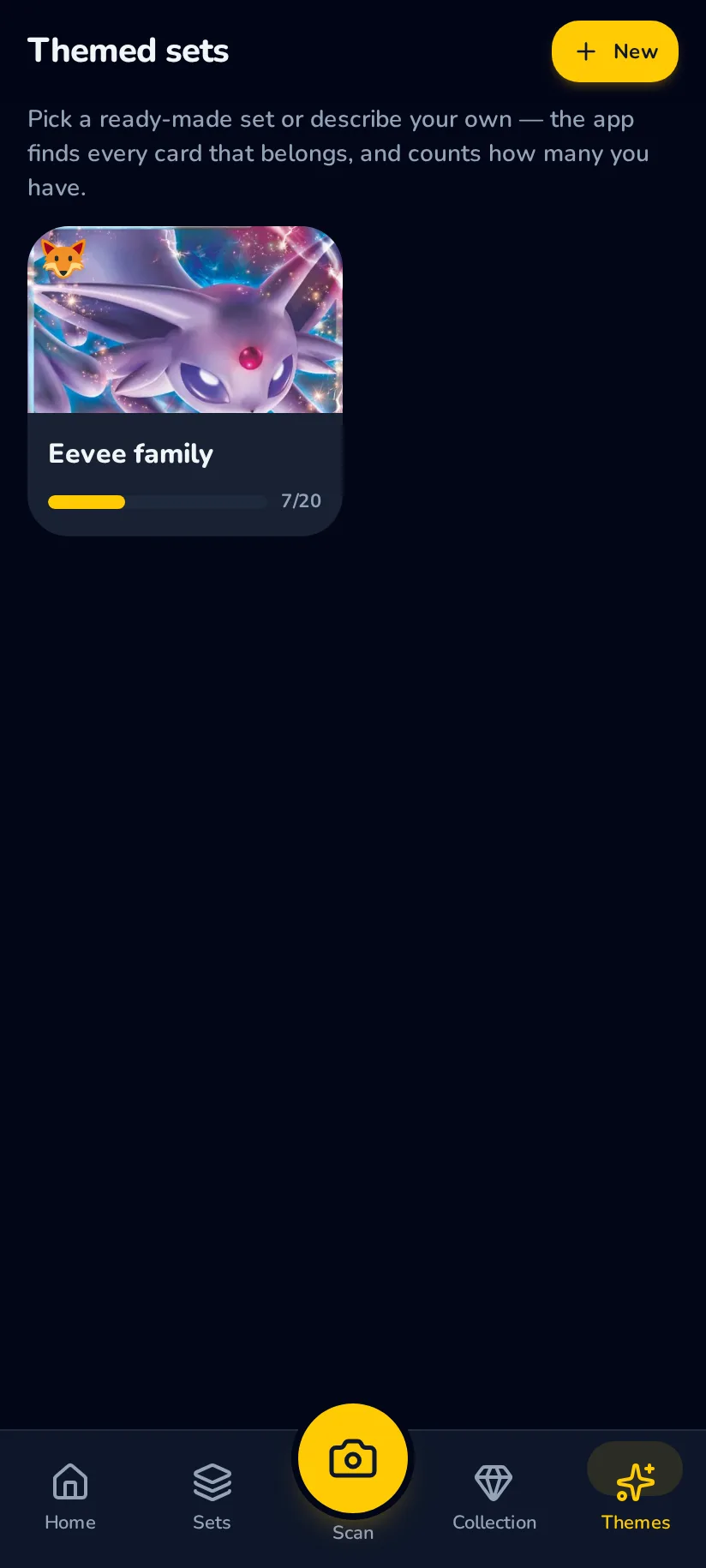
Themed sets: your own kind of collection
Not every collection is a set. Build one from a preset — every Eevee, all the starters — or from the chip builder, which combines type, era, artist, rarity and what the picture shows. On Family Plus you can type it in your own words, “sleeping Pokémon in the snow”, and the app works out which cards belong to it.
Free · your own words on Family Plus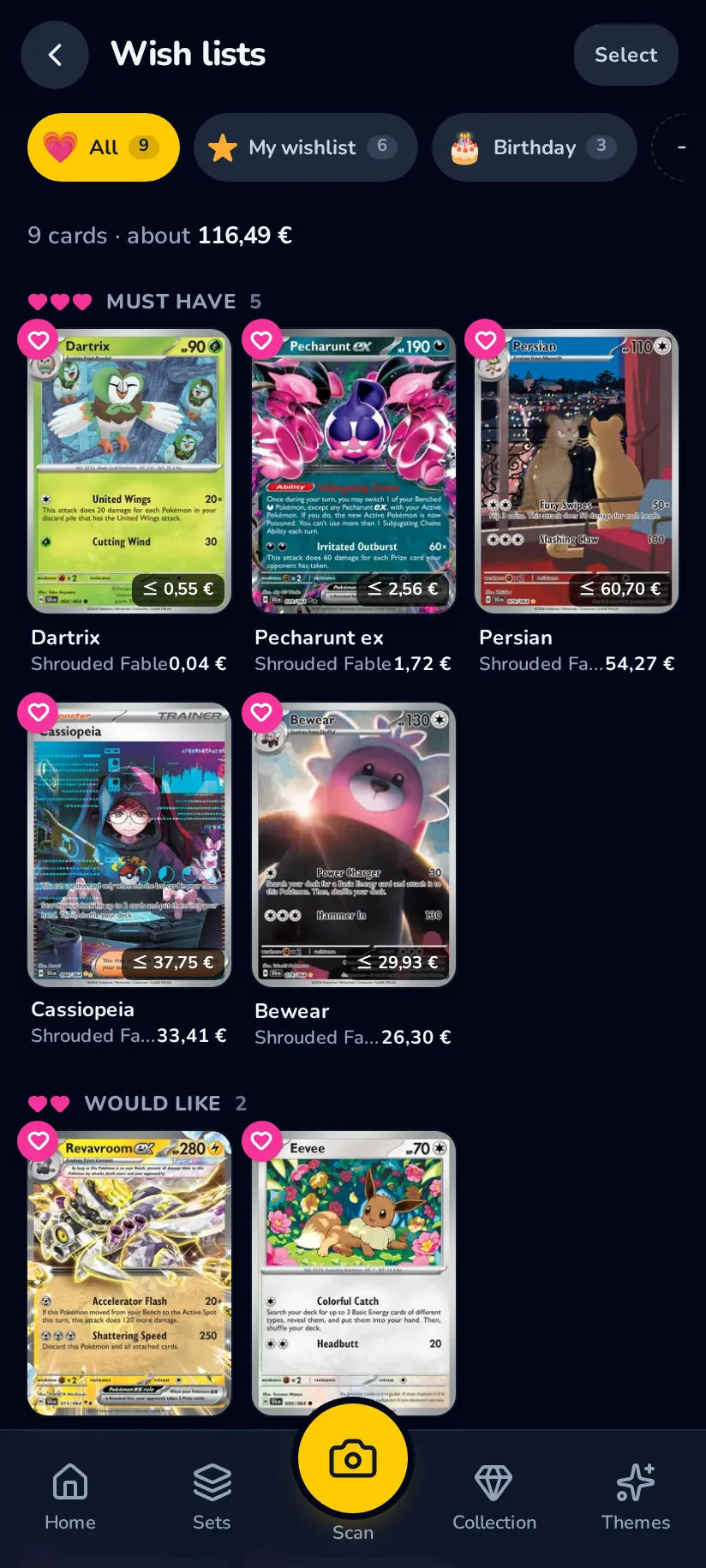
Wish lists, doubles, and a page to share
The cards a collector is hunting go on a wish list, the doubles they can miss go on the trade pile. One link shows another collector both halves — what you are looking for and what you can give away — and it opens on any phone without an account. Sharing is free, because a trade needs two people and only one of them has the app.
Free, sharing included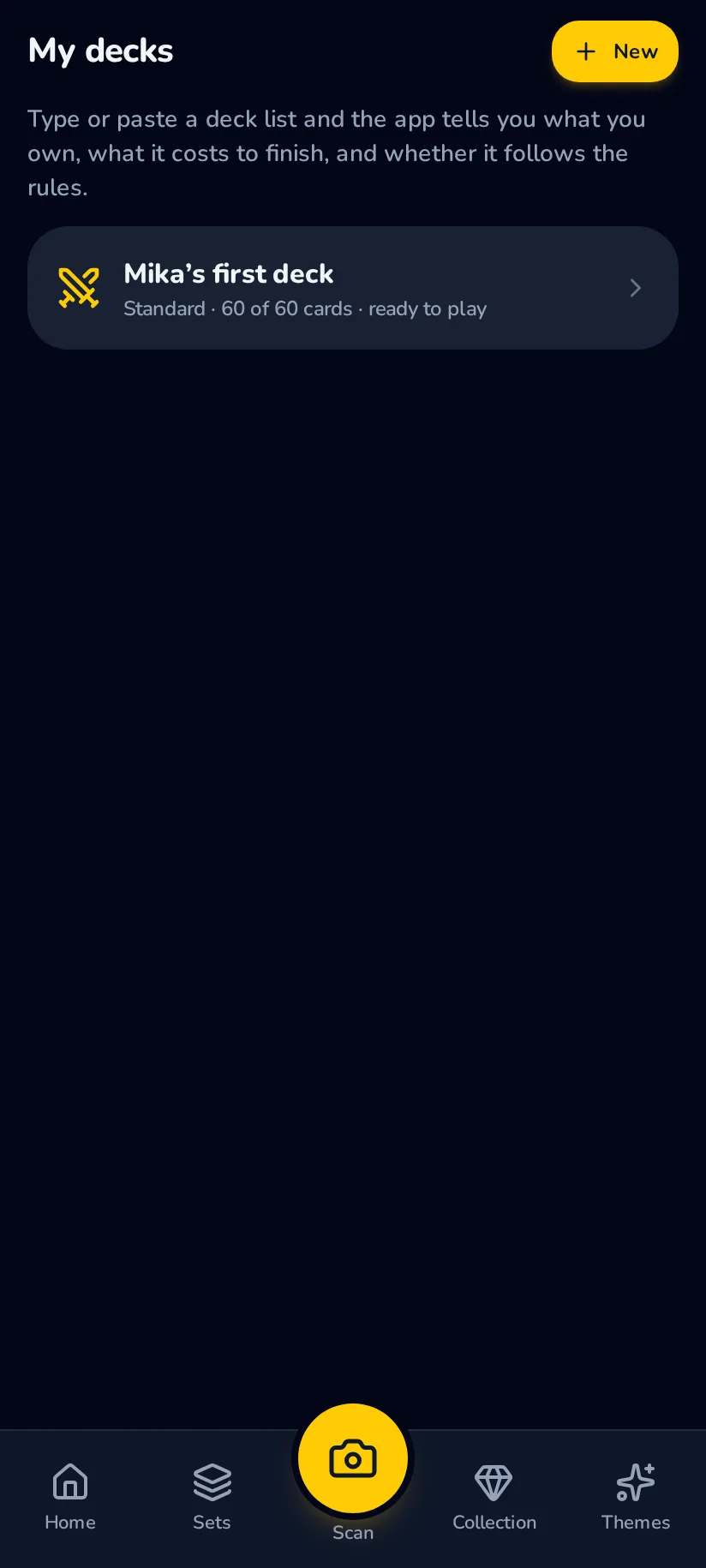
The deck helper
Paste a deck list from anywhere and the app checks it against the rules and against the collection: which cards are already in a drawer, which are still missing, what the missing ones would cost. On Family Plus it also builds — “build me a Water deck around my Charizard” — out of the cards the family already owns.
Paste and check free · building on Family Plus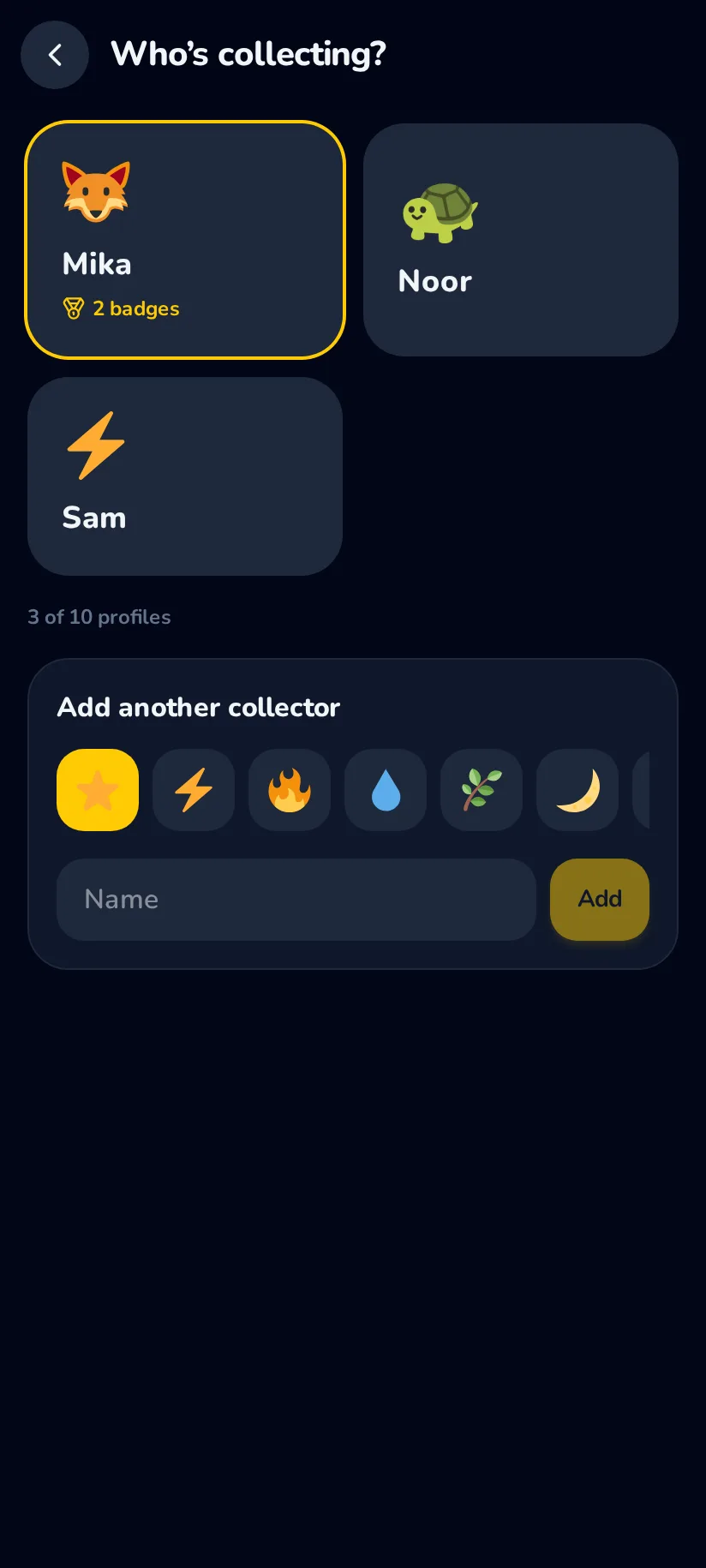
One family account, a profile per collector
Four collectors on Free and ten on Family Plus, each with a first name, an emoji and their own collection, wish list and badges. Switching is a tap on an avatar. Parent mode sits behind the account password and is where the money view lives: what the collection is worth over time and which cards moved.
4 collectors free · 10 on Family Plus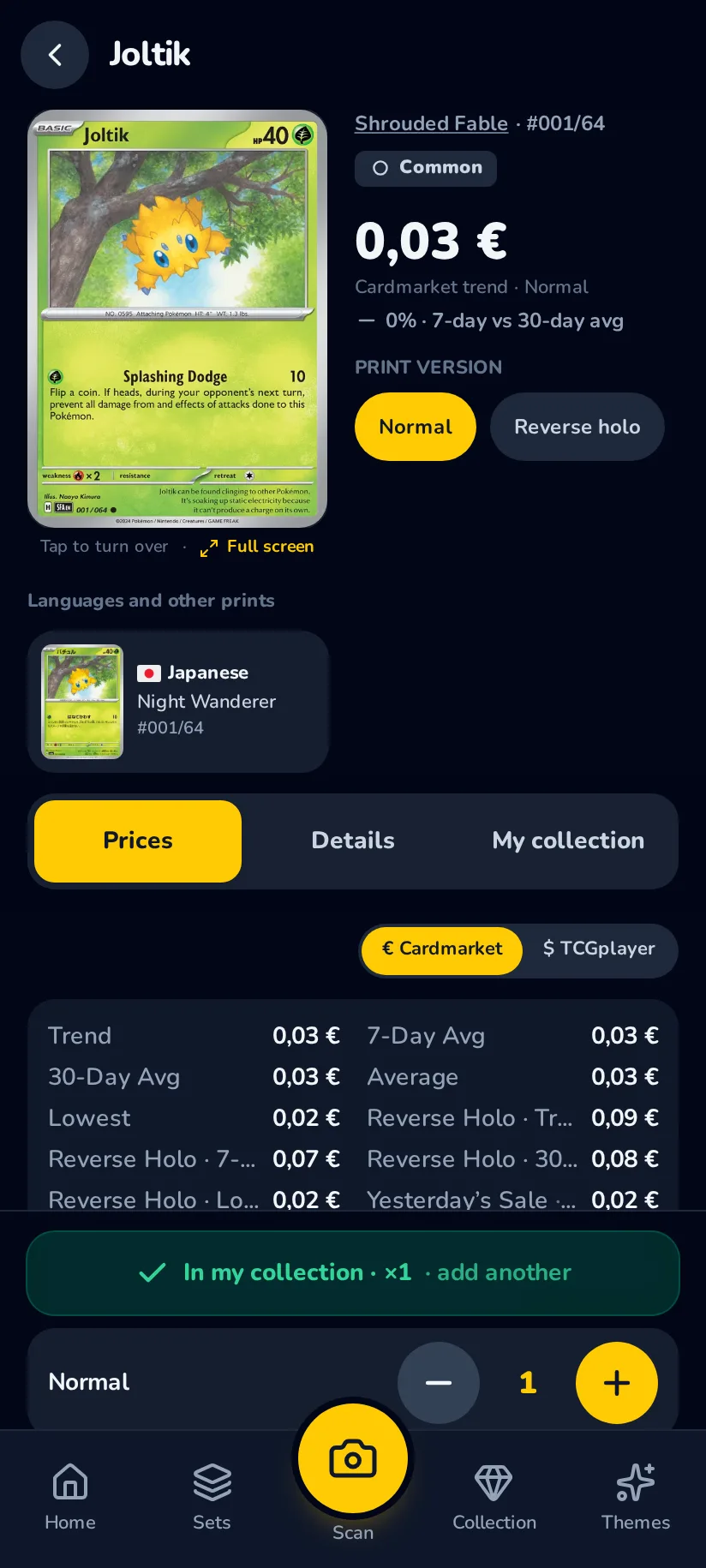
Eleven languages, three card catalogues
The interface speaks English, German, French, Spanish, Italian, Portuguese, Dutch, Japanese, Korean and Chinese in both scripts, and card, set and series names follow it. Beside the Western catalogue the app knows the Japanese and the Chinese ones, and a card page shows the same card in the other languages it was printed in.
Free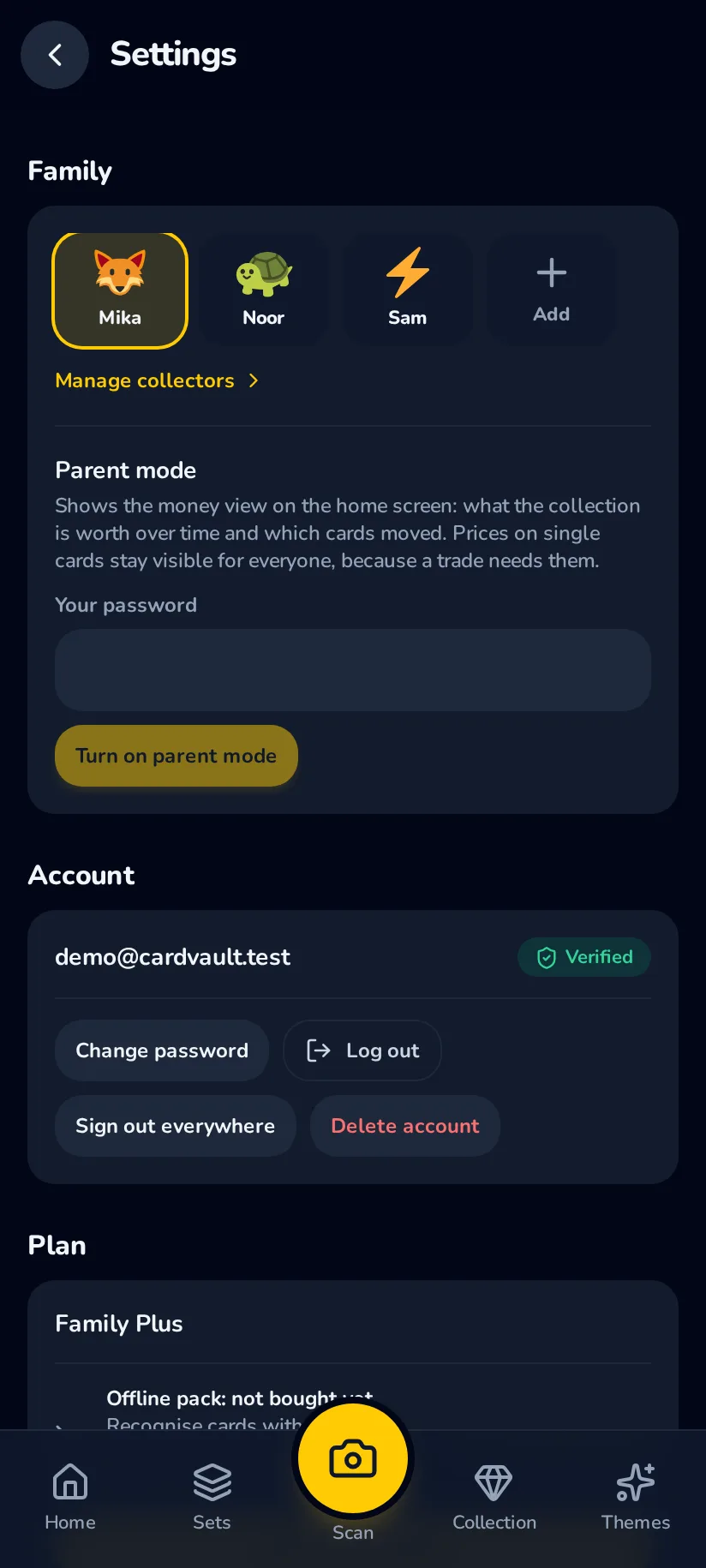
Scanning without a connection
The offline pack moves the recognition onto the phone itself, so a scan works in a shop basement, at a fair or in the car. It is bought once and is not part of the subscription. Keeping card pictures on the device for browsing offline is free for everybody.
A single purchaseAll of it, from the first card
Nothing here is a trial that ends. Start free, add the family, scan what is in the shoebox, and decide later whether Family Plus is worth it.